6.6.0 Beta 3 - macOS auto-update fix and logo, privacy, and classic extensions tweaks
macOS Auto-Update Bug
There is a bug in all previous macOS beta builds where automatic updates do not work. To fix this:
-
Download the latest beta
Important: The previous macOS Beta 3 DMG had a notarization issue that has now been fixed. The CDN cache has been flushed to ensure you get the updated version. To verify you have the correct version, check the SHA-512 hash:
60490c12e6ca8b37364877153247f7c53a7a21d9316012090510c82101f123d8a87cf712189ffe2c8230bf030dc21f038ac77809fe518cee33fa5d56be694b34 -
Delete the BrowserWorks cache
Option A: Using Terminal
sudo rm -rf $HOME/Library/Caches/BrowserWorksOption B: Using Finder
- Enable Hidden Files
- Navigate to:
Macintosh HD→Users→[Your Username]→Library→Caches - Delete the
BrowserWorksdirectory
-
Install Waterfox
- Open the downloaded DMG
- Drag Waterfox to the Applications directory
- Launch Waterfox
The update system should now work correctly! 🎉
Changes
-
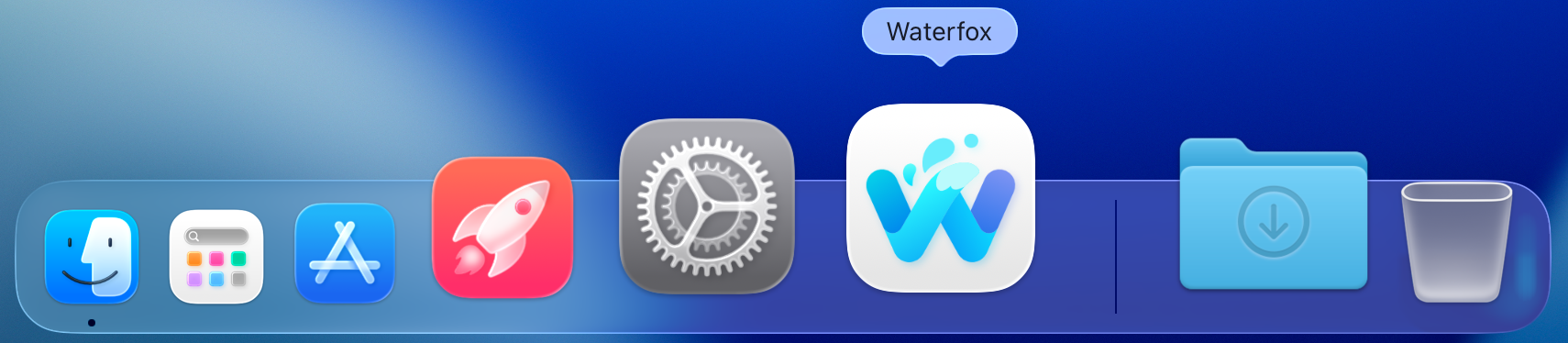
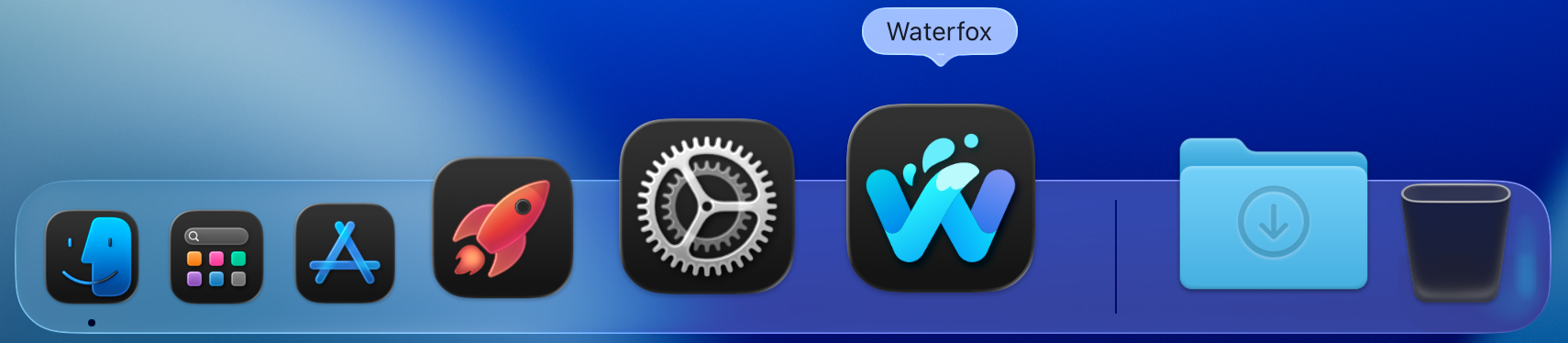
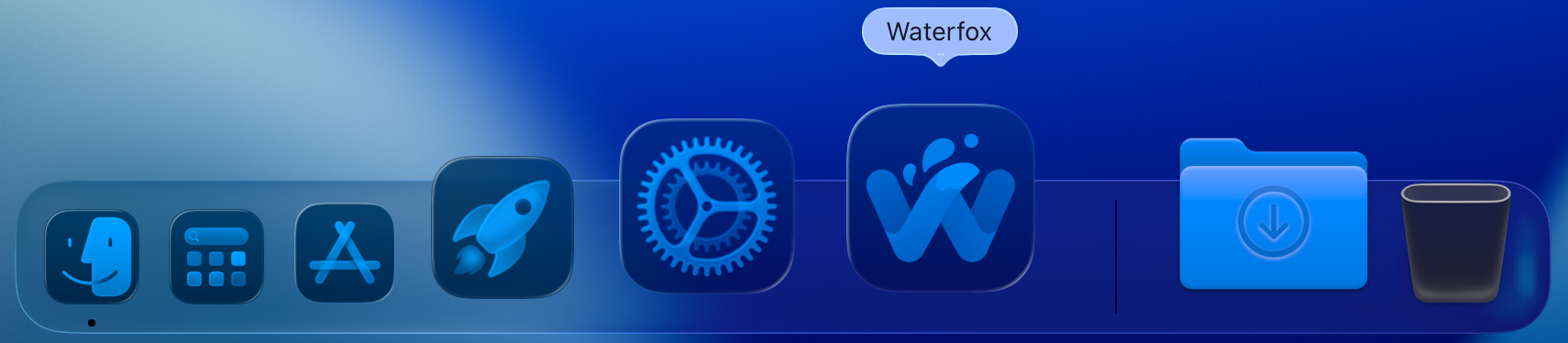
Liquid Glass Logo for macOS 26: Updated logo styling to match modern macOS design standards.

-
Icon Standardization: Follow same icon standards for older macOS versions and update other platforms to use the slightly modernised version of the logo.
-
Disabled Speculative Connections: No longer makes speculative connections when typing addresses in the address bar.
-
Offline Configuration: Disabled browser connecting to Mozilla’s remote servers to grab settings for things such as blocklists, malware lists etc and instead use bundled, offline copies.
-
Removed A/B Testing Code: No longer package A/B testing code that was disabled.
Bug Fixes
- Duplicate Tab Issue: Fixed issue where duplicate tab would open two duplicates instead of one.
- Classic Extensions Support: Fixed compatibility issue where classic style extensions such as TabMixPlus weren’t able to be installed.