Back to all releases
Desktop
August 29, 2025 6.6.2 - Theme refinements, Windows Mica/Acrylic, and tab group improvements
Fixes
Theme
Info
Refinements to the default Waterfox UI will continue as we iron out some kinks from the last release.
- Tab shape has been restored to more closely resemble a physical tab.
- Contrast between active/inactive tabs and the navigation bar is now clearer, making them easier to differentiate.
- The active tab no longer has a blue context line at the top of the tab. You can restore it in Settings → Look & Feel → Interface Components → Tab Bar → Tab Context Line.

Previous Tabs

Improved tabs
- Windows 11 users with supported hardware will now notice subtle translucency matching Windows Mica. If you prefer stronger translucency, you can use Windows Acrylic by setting
widget.windows.mica.toplevel-backdropto2inabout:config.
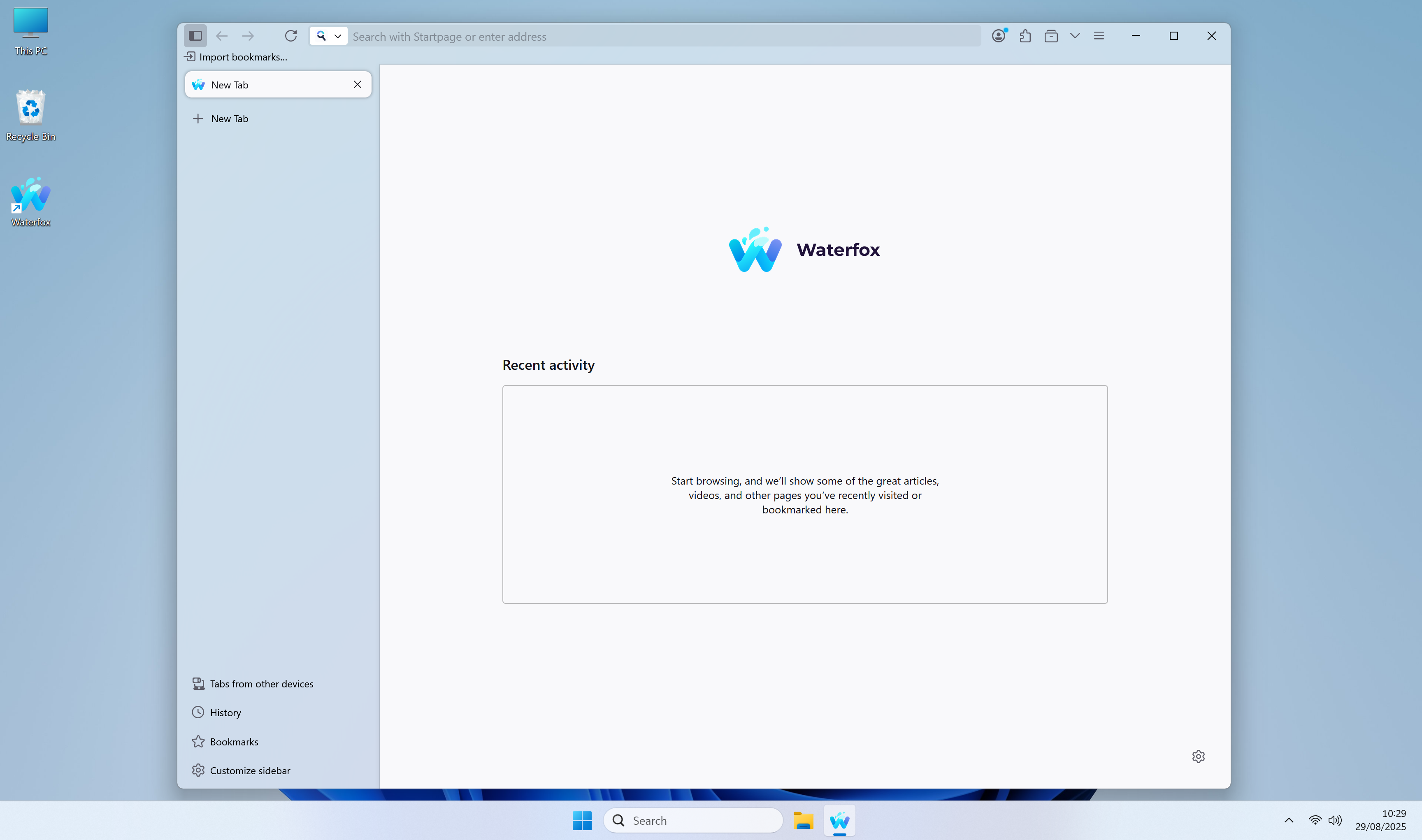
Windows 11 Light Mica
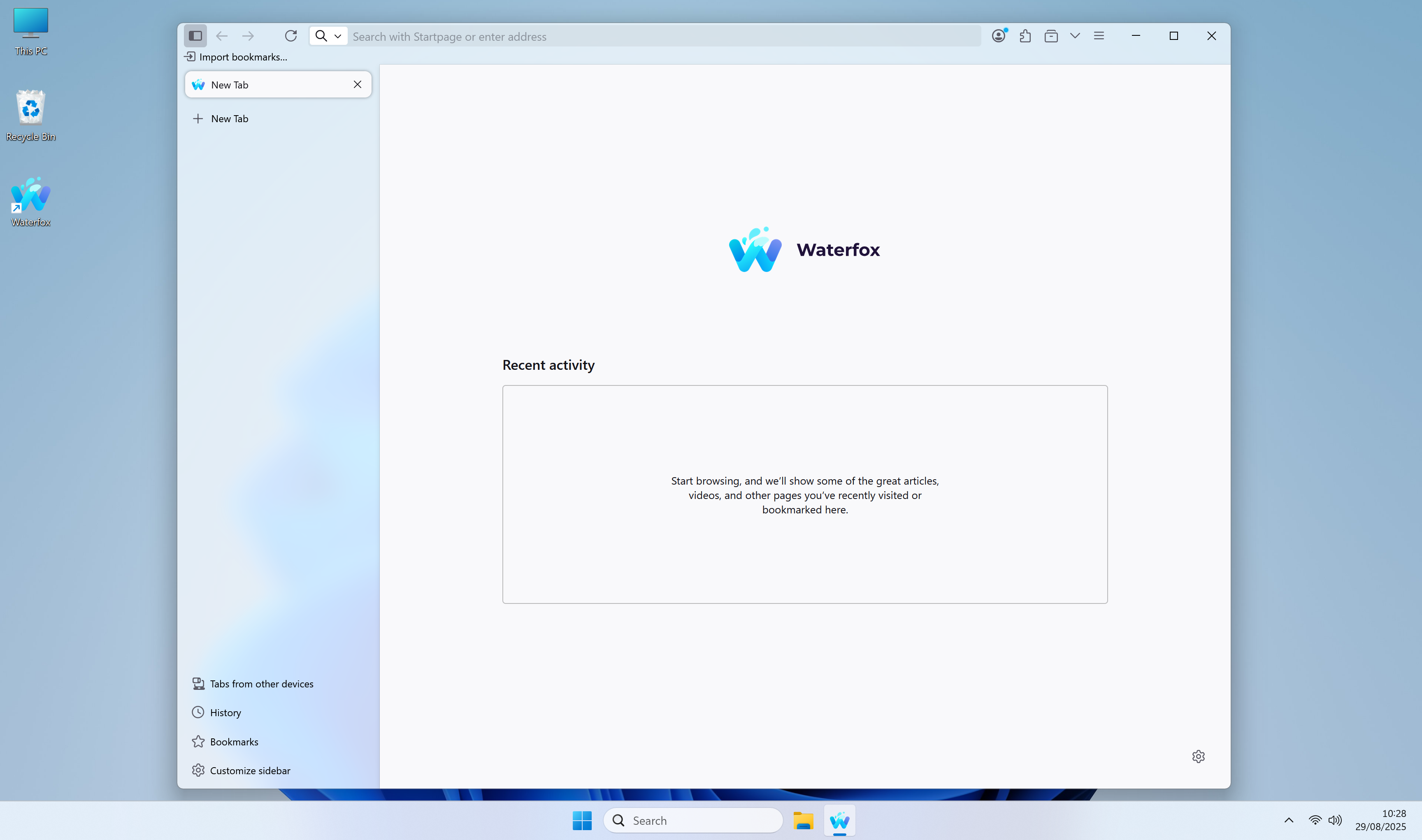
Windows 11 Light Acrylic
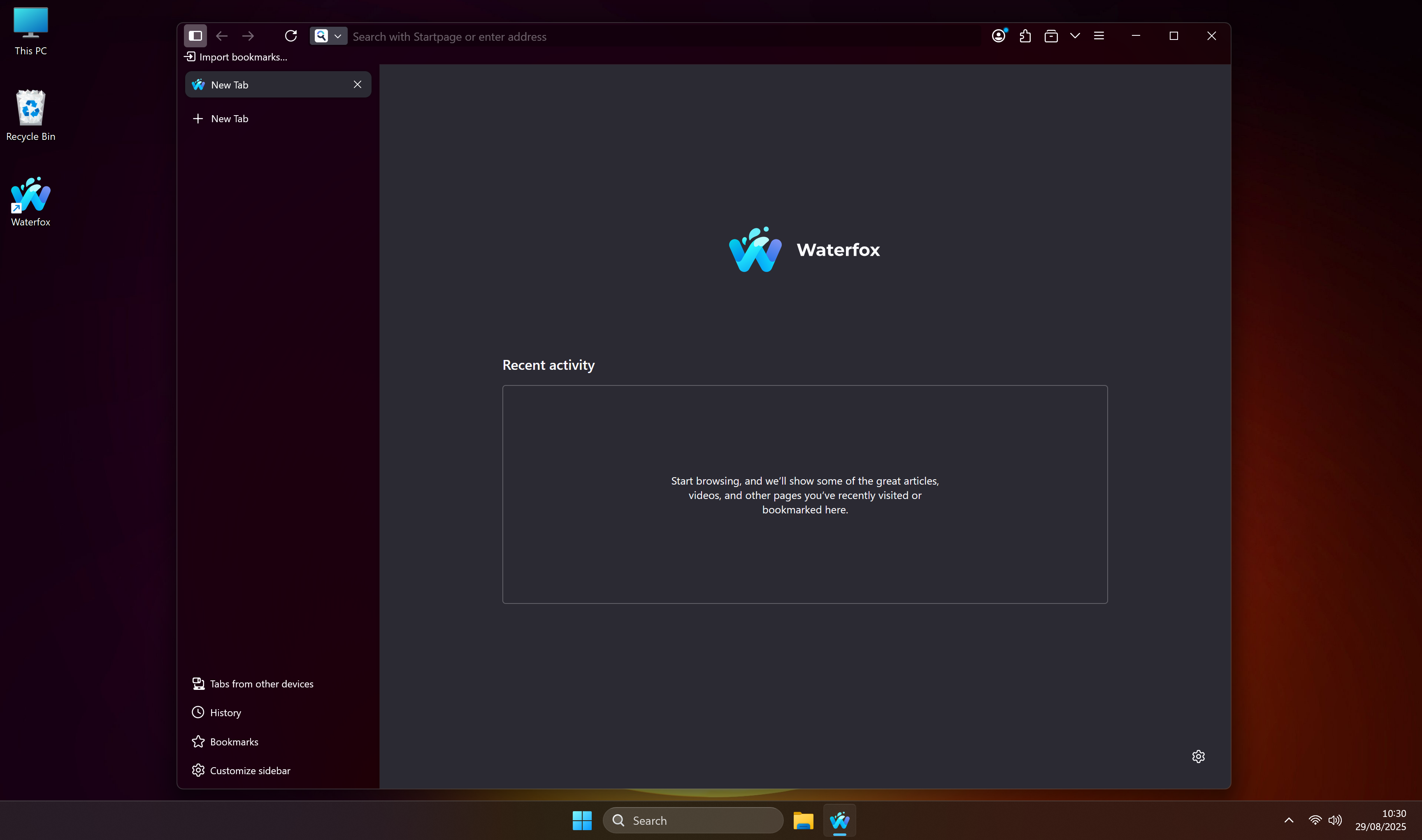
Windows 11 Dark Mica
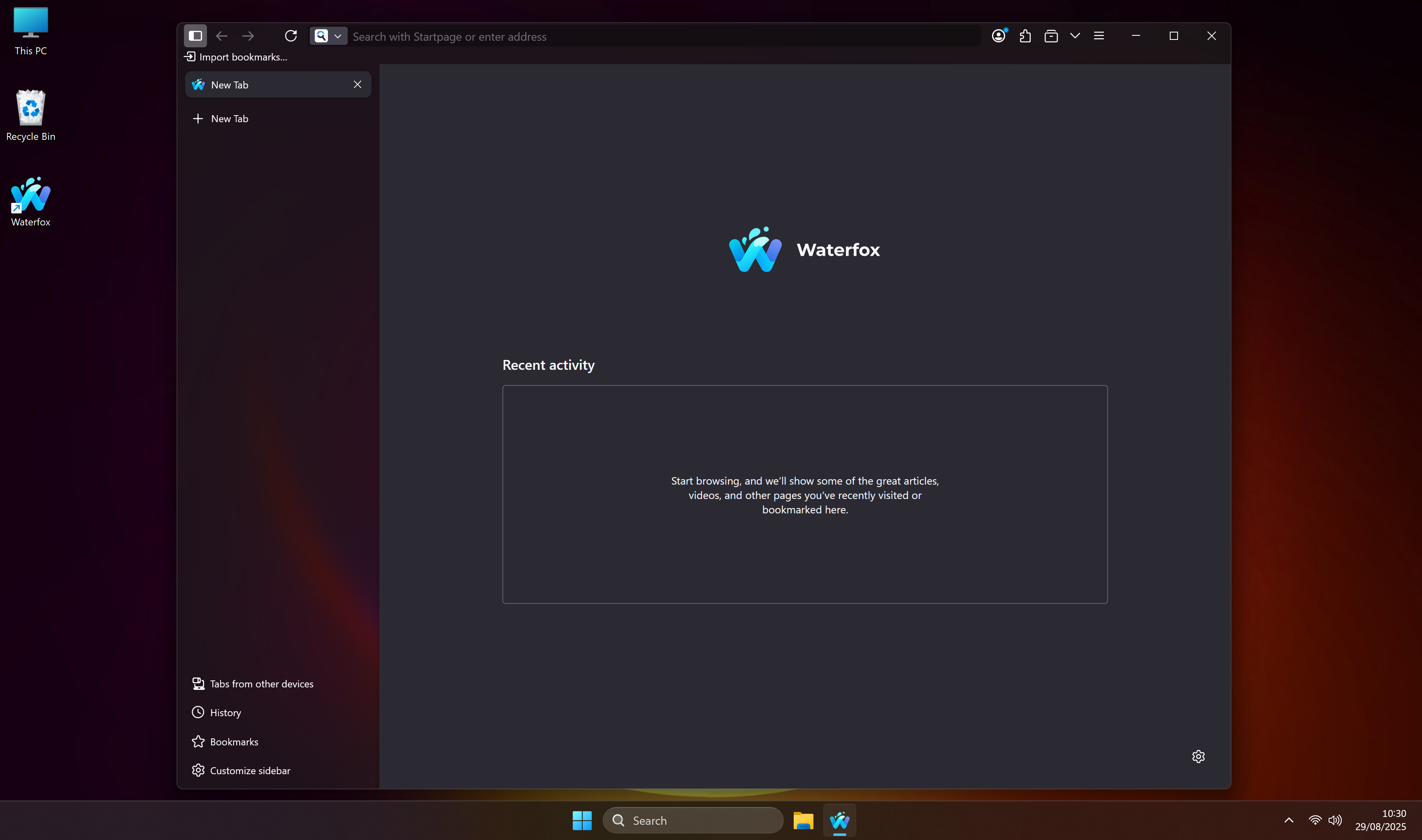
Windows 11 Dark Acrylic
Tab Groups
What’s improved
-
New tabs stay in the right group
- New tabs now reliably open in the same tab group as the “source” tab.
- Placement options (
after/first/last) are applied within the group, so tabs won’t “jump” out of the group at the edges.
-
Collapsing the only group works as you expect
- If you collapse the only group in a window, the browser opens a single ungrouped tab and keeps it ungrouped so the group stays collapsed.
- This works even if the new tab briefly inherits the group during creation.
-
“Cancel auto‑grouping” shortcut is dependable
- The 1‑second cancel window works consistently.
- Shortcut defaults: Alt+
on macOS, Ctrl+on other platforms. - It no longer duplicates listeners across windows.
- Backtick/backquote detection is robust across layouts (the Backquote key is recognized reliably).
- Exact modifier matching (Ctrl vs Cmd vs Alt vs Shift) prevents accidental activations.
-
More resilient and cleaner behavior
- Grouping is skipped for tabs that land in a different window or have no source group.
- We clean up timers and listeners when tabs are removed or windows close.
- Listeners are registered across all current and future browser windows.
What didn’t change
- Your existing tab groups and settings are preserved.
- Pinned tabs are never moved into groups.
- Cross‑window grouping is not attempted (only tabs in the same window are grouped).
Reminder: Preferences you can use
- Enable/disable auto grouping:
browser.tabs.autoGroupNewTabs - Placement:
browser.tabs.autoGroupNewTabs.placement(after|first|last) - Delay (1‑second cancel window):
browser.tabs.autoGroupNewTabs.delayEnabled - Delay duration (ms):
browser.tabs.autoGroupNewTabs.delayMs - Shortcut string:
browser.tabs.autoGroupNewTabs.cancelShortcut
Misc
- Recent history and top sites are available again in the address bar; they were disabled by accident in the previous release.
- Linux: Middle‑click paste in the address bar works again. A single click no longer interferes with what you’ve selected elsewhere, so middle‑click pastes the text you expect. Double‑click still selects the full address Thanks @VULONKAAZ
- This is the first release that attempts to address a long‑standing issue where, after updating, some users see an empty profile or their old profile appears hidden.
Tip
If you prefer the old style address bar, you can re-enable it by going to about:config,
searching for browser.urlbar.scotchBonnet.enableOverride and toggling it to false.