
New
-
Manage your feeds: The feed manager brings posts from your Live Bookmarks together in one place. You are able to browse all your feeds together, choose a bookmark folder or individual subscription, search articles, filter unread posts, and switch between list and grid views. Open it from Settings → Feeds → Open Feeds, or visit
about:feeds.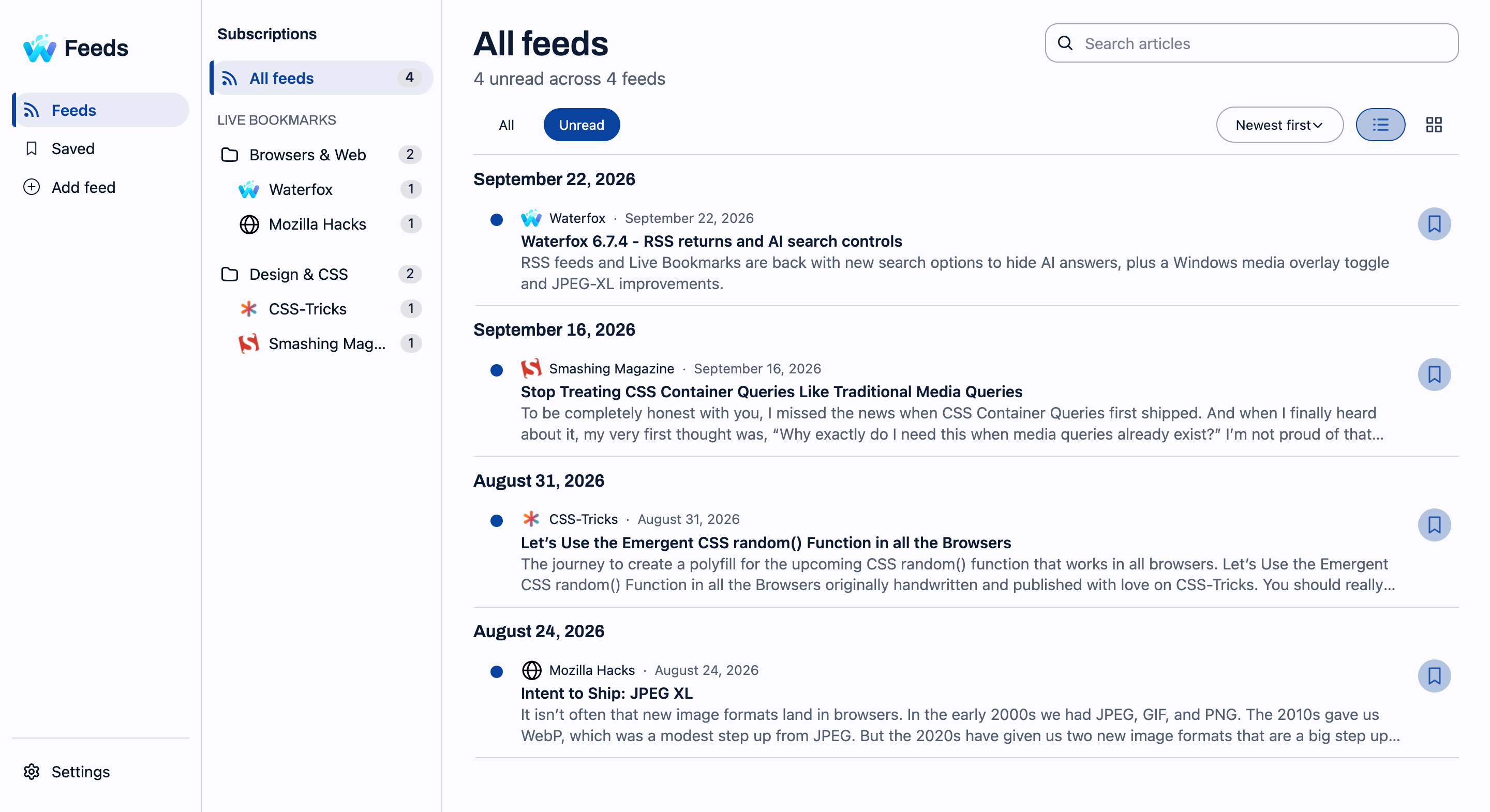
-
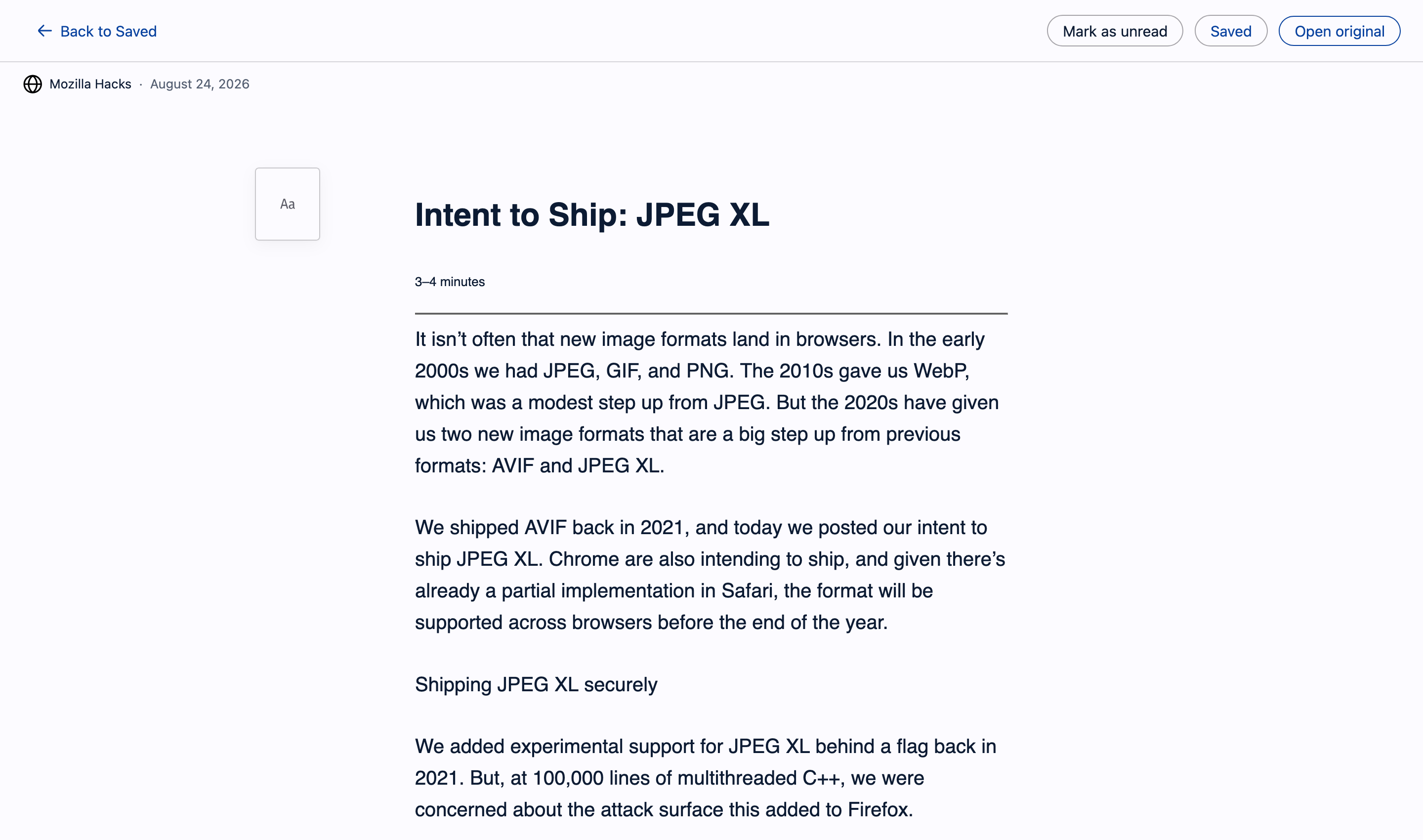
Read without leaving the built-in manager: Based on the Reader View natively available for supported websites, Waterfox can now render supported feed content. Posts can be marked as read or unread, articles can be saved for later, or open the original website. Read status and saved articles are kept between browser sessions.
-
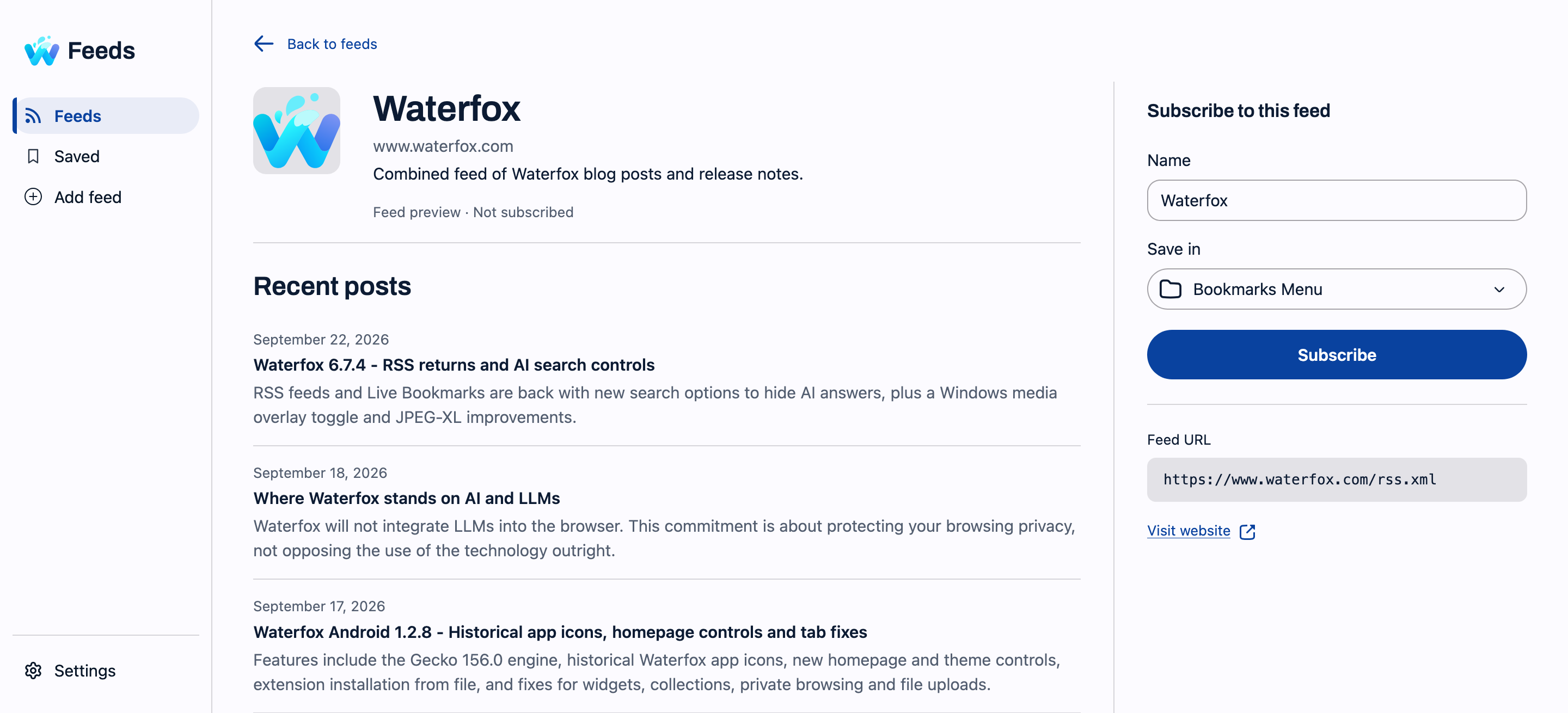
Feed previews: Supported feeds opened directly in Waterfox now show recent posts and a subscription form instead of raw XML. You can also use Add feed in the feed manager to preview a feed URL before subscribing. The subscription panel now shows more information about the feed, confirms where it was saved, and lets you undo a new subscription.
-
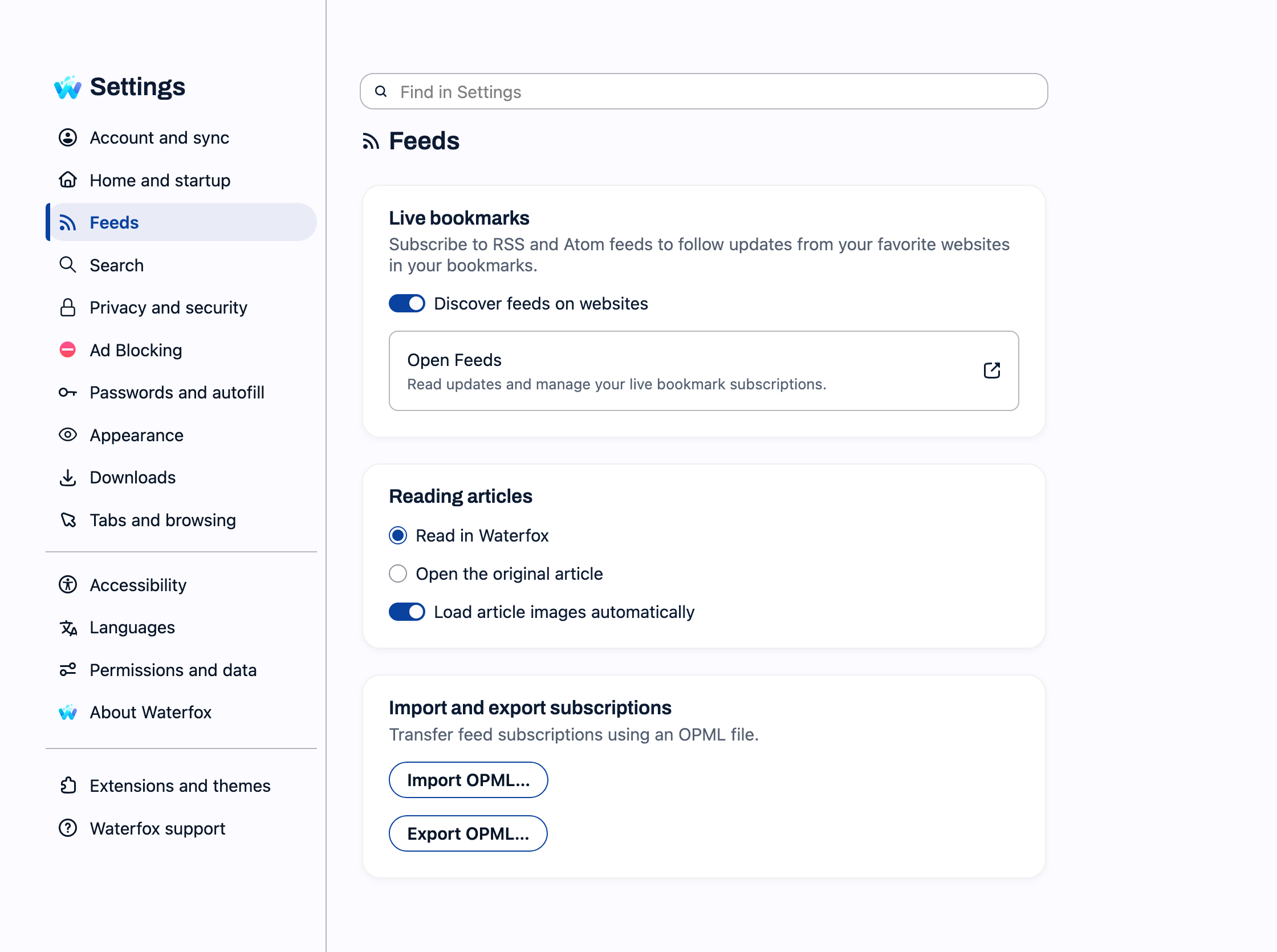
Dedicated feed settings: Under Settings → Feeds, you can enable or disable feed discovery, select whether articles open in Waterfox’s reader or on the original website, and control automatic article image loading.
Changed
- Feed articles open in Waterfox’s reader by default. Choose Open the original article under Settings → Feeds if you prefer visiting the website.
- OPML import and export have moved to Settings → Feeds.
- OPML import and export now preserve nested bookmark folders.
Fixed
- Security fixes described in Mozilla Foundation Security Advisory 2026-100.
- Feed discovery now checks that a feed can be loaded and parsed before offering it in the address bar, rather than showing broken or invalid feed links.
- Manually refreshing a failed feed can now retry without waiting for the normal refresh interval, while still respecting server retry delays.