Add a login with the Waterfox Password Manager - Waterfox Support
Waterfox will automatically add and sync your logins if you’ve enabled logins sync (see Sync logins in Waterfox desktop). You can also add logins to Waterfox, if you prefer, by following these steps:
- Click the Waterfox menu button.
- Click Logins and Passwords.
- The Waterfox about:logins page will open.
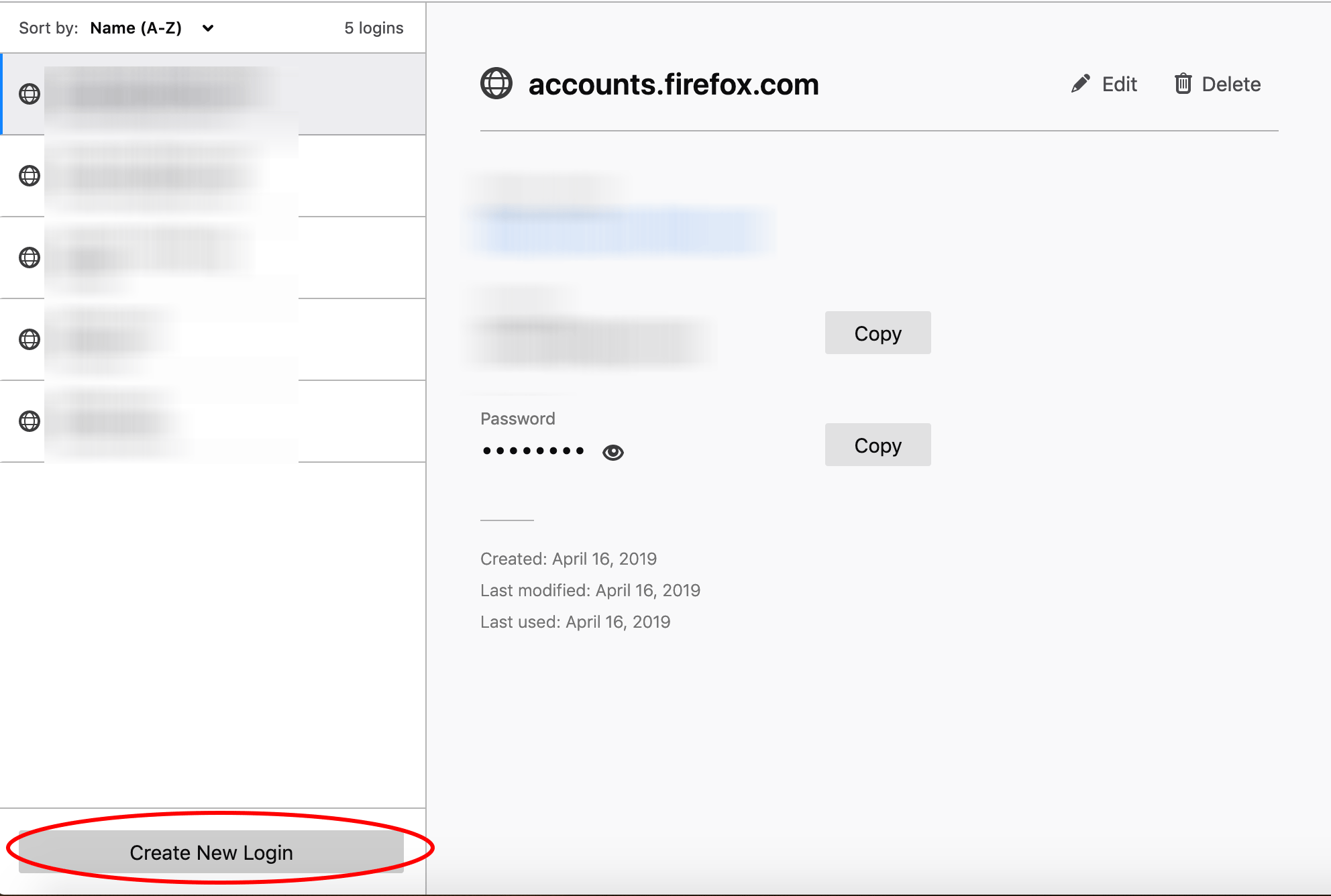
- The Waterfox about:logins page will open.
- Click Create New Login at the bottom of the page.
- Enter the website address, username, and password for that site.
- Click Save.
To learn more about managing logins in Waterfox, see Password Manager - Remember, delete and edit logins and passwords in Waterfox.
Copyright and Licensing
Modified from Add a login with the Firefox Password Manager. Original by Mozilla Contributors. Licensed under the CC BY-SA 3.0.