How to disable Waterfox Theme Customizations - Waterfox Support
Waterfox comes with various customizations to the look and feel of the browser. If you prefer a more familiar look and feel to the browser we are based on, you can turn these off.
- Tap the menu button.
- Tap
SettingsorPreferencesdepending on your platform.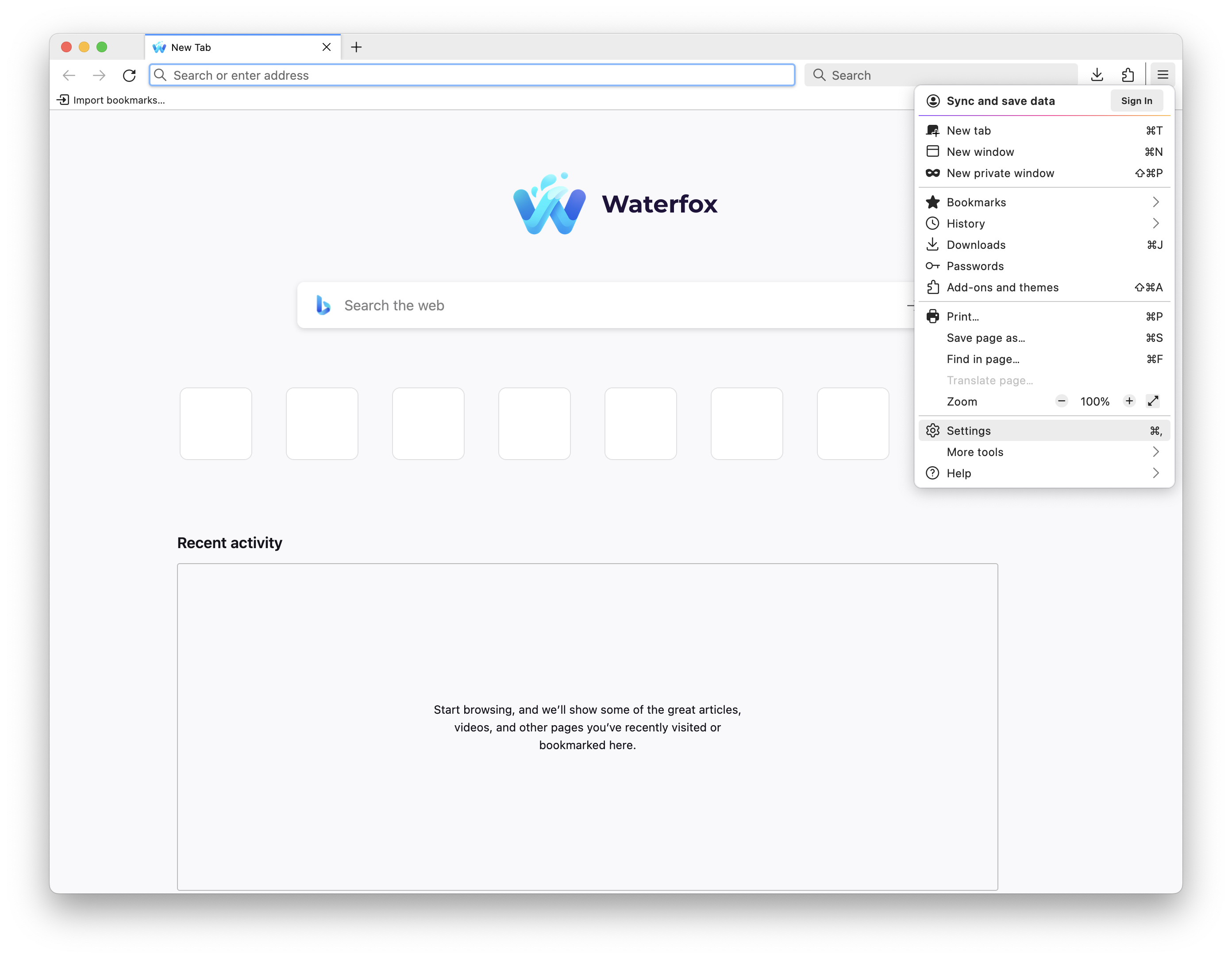
- Select
Look & Feelon the navigation pane on the left hand side.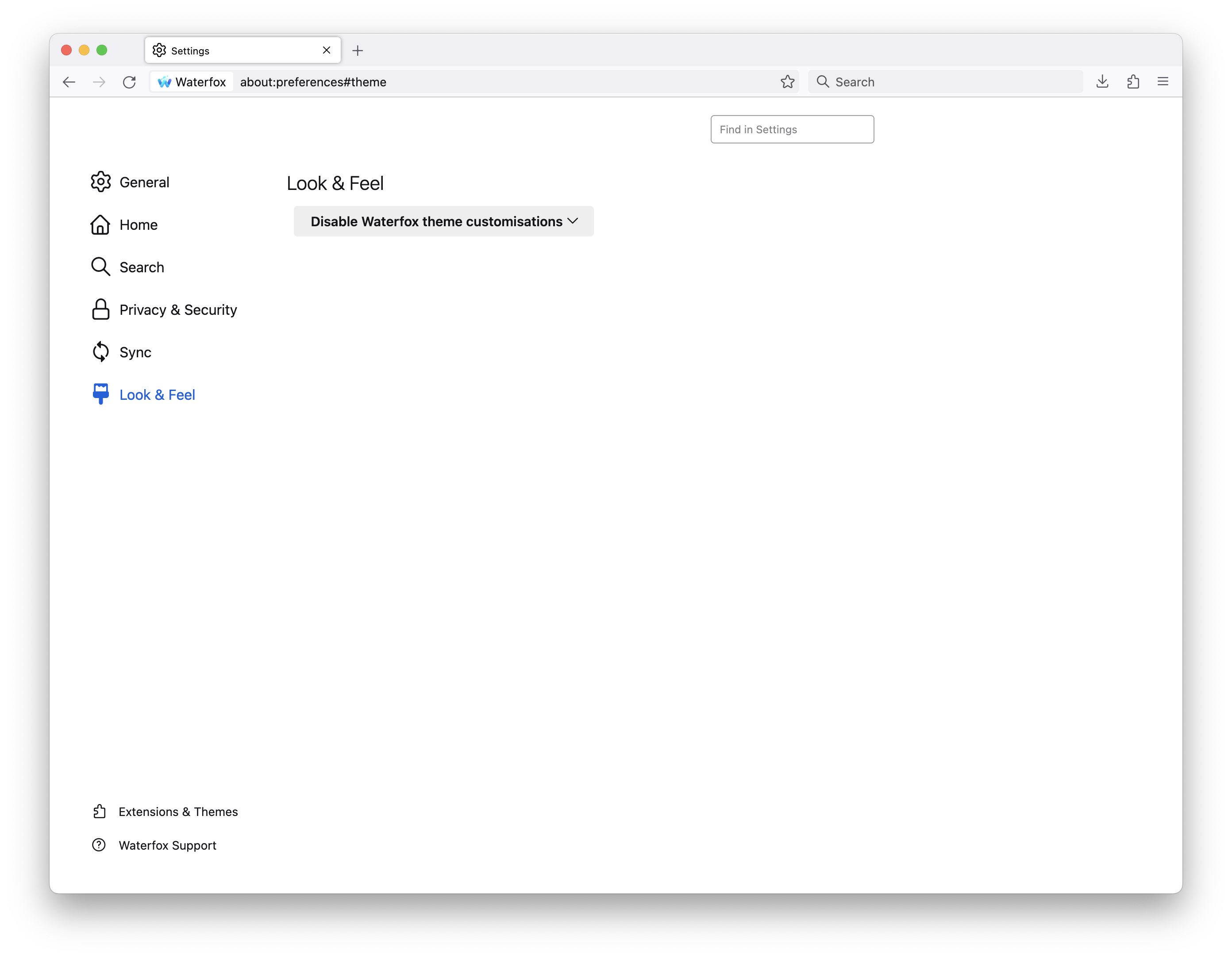
- At the top of the page, select the drop down menu that has
Enable Waterfox theme customisations on Waterfox themesselected by default. - Select
Disable Waterfox Theme Customizations.
Copyright and Licensing
Modified from This article is licensed under CC BY-SA 3.0 .
Article originally written by: Alex Kontos