Edit or delete a login with the Waterfox Password Manager - Waterfox Support
Waterfox’s built-in password management lets you access and manage your passwords quickly and securely. When you visit a web page and click on the login field, Waterfox will suggest your saved logins for that page.
-
Click the menu button to open the menu panel.
-
Click Logins and Passwords.
-
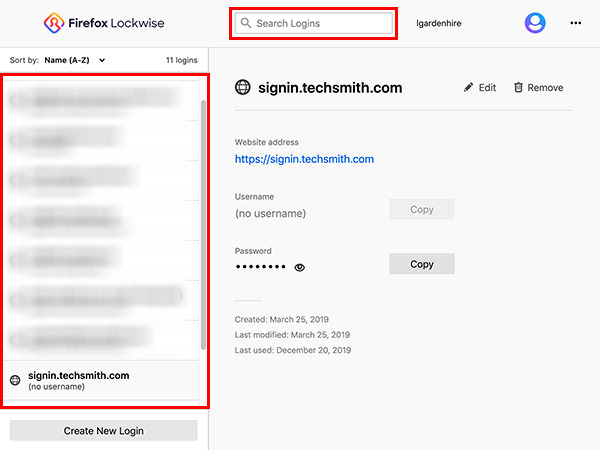
Go to the login entry you want to edit or remove (use the search box or scroll through the list on the left).
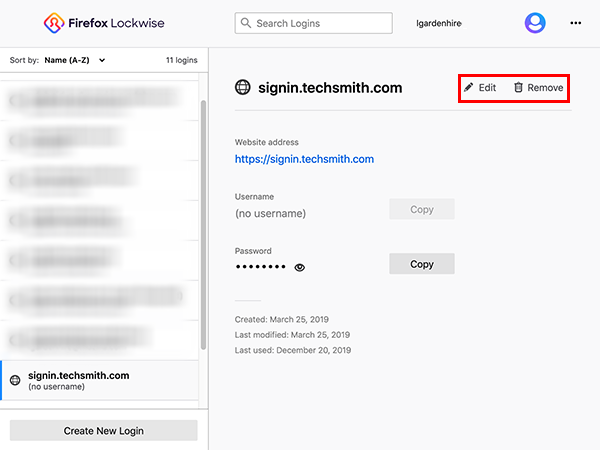
- Click Edit to change your login information.
- To remove the login information from Waterfox, click the Remove button.
Copyright and Licensing
Modified from Edit or delete a login with the Firefox Password Manager . Original by Mozilla Contributors . Licensed under the CC BY-SA 3.0 .