Find what version of Waterfox you are using - Waterfox Support
It’s often important to know what version of Waterfox you are using, to help you troubleshoot a problem or just to know if Waterfox is up to date. Here is how you can find out.
Click the menu button , click Help and select About Waterfox. The About Waterfox window will appear. The version number is listed underneath the Waterfox name.
Here is an example of what the About Waterfox window will look like:
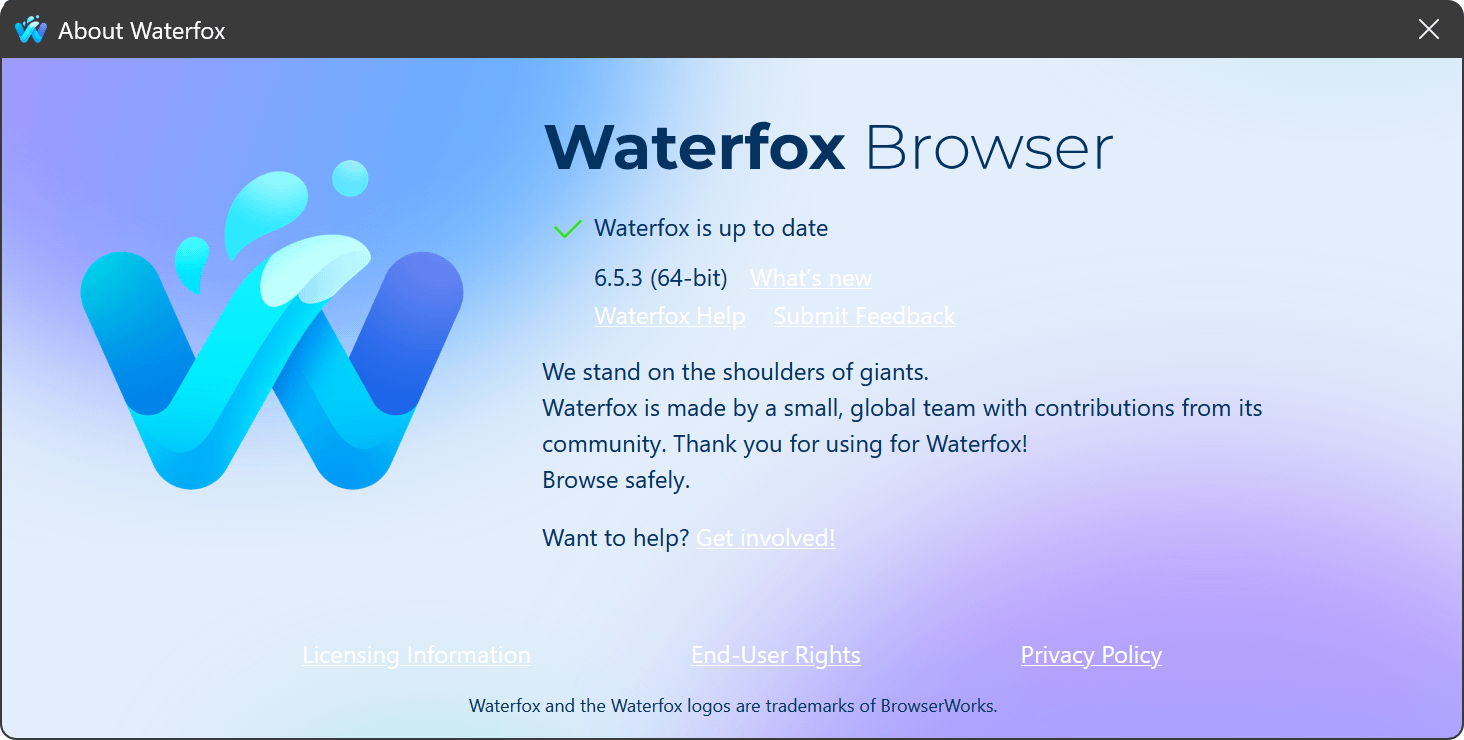
Opening the About Waterfox window will, by default, start an update check. If an updated version of Waterfox is available, it will be automatically downloaded. For more information, see Update Waterfox to the latest release .
Tip
You can also find your Waterfox version on the Troubleshooting Information (about:support) page. Your Waterfox version is listed underneath the Application Basics section of the page.
Copyright and Licensing
Modified from Find what version of Firefox you are using . Original by Mozilla Contributors . Licensed under the CC BY-SA 3.0 .