Print simplified, clutter-free pages in Waterfox - Waterfox Support
Waterfox lets you print pages in a simplified format that strips away clutter like buttons, ads, and background images, for better readability and paper/ink savings.
- For more information on printing in Waterfox, see How to print web pages in Waterfox .
To get a print-friendly view, turn on Reader View for the page before printing:
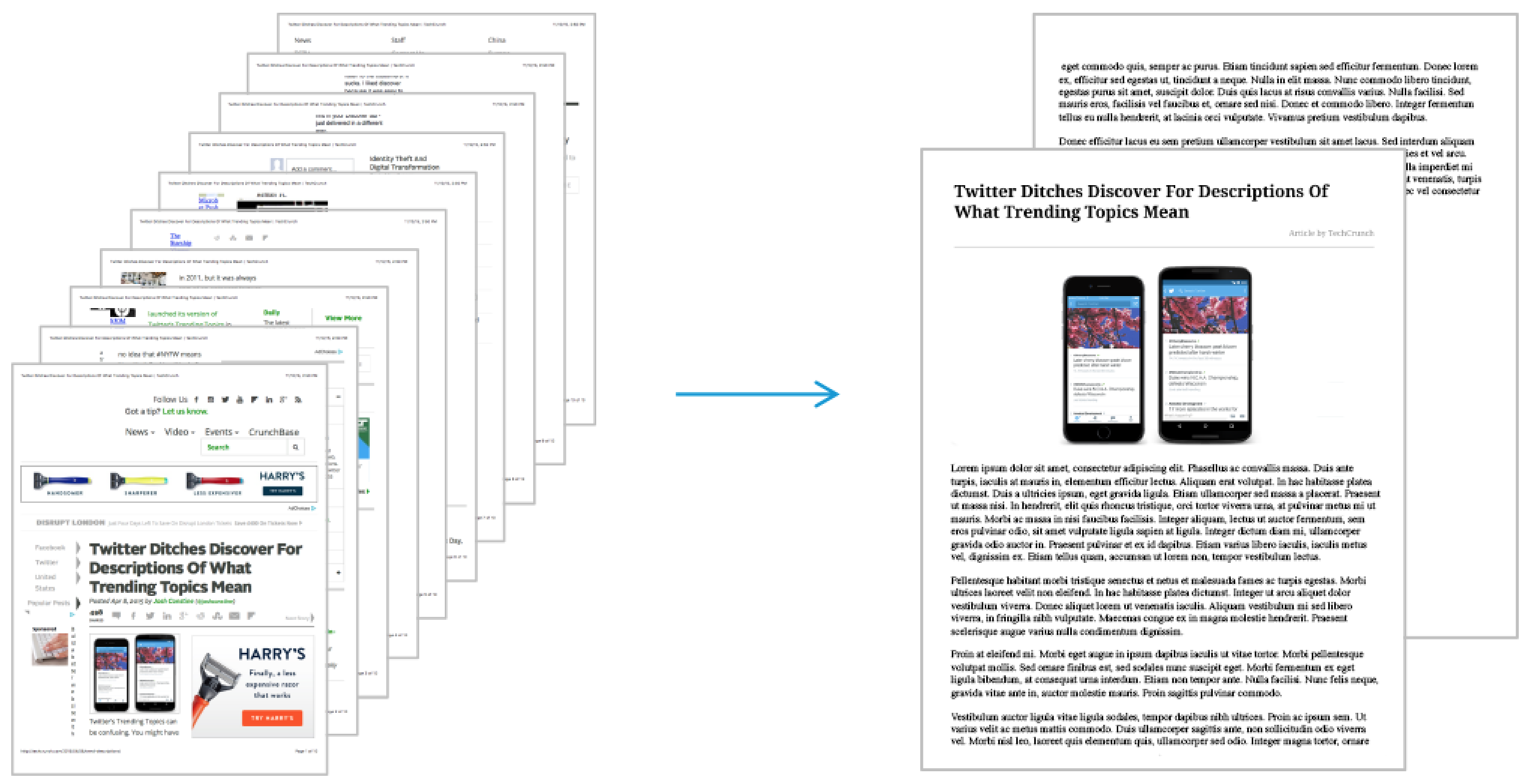
- If a page is available in Reader View, the Reader View icon will appear in the address bar.

- Click on the Reader View icon . The icon will turn blue when the page is in Reader View.
- Click the menu button to open the menu panel.
- Click Print to preview the page and print it.
Copyright and Licensing
Modified from Print simplified, clutter-free pages in Firefox . Original by Mozilla Contributors . Licensed under the CC BY-SA 3.0 .