
Waterfox status bar
The Waterfox status bar is a customizable toolbar at the bottom of the browser window. It is hidden by default. In its default layout, it contains Screenshot, Zoom and Full Screen controls.
These instructions apply to Waterfox on desktop.
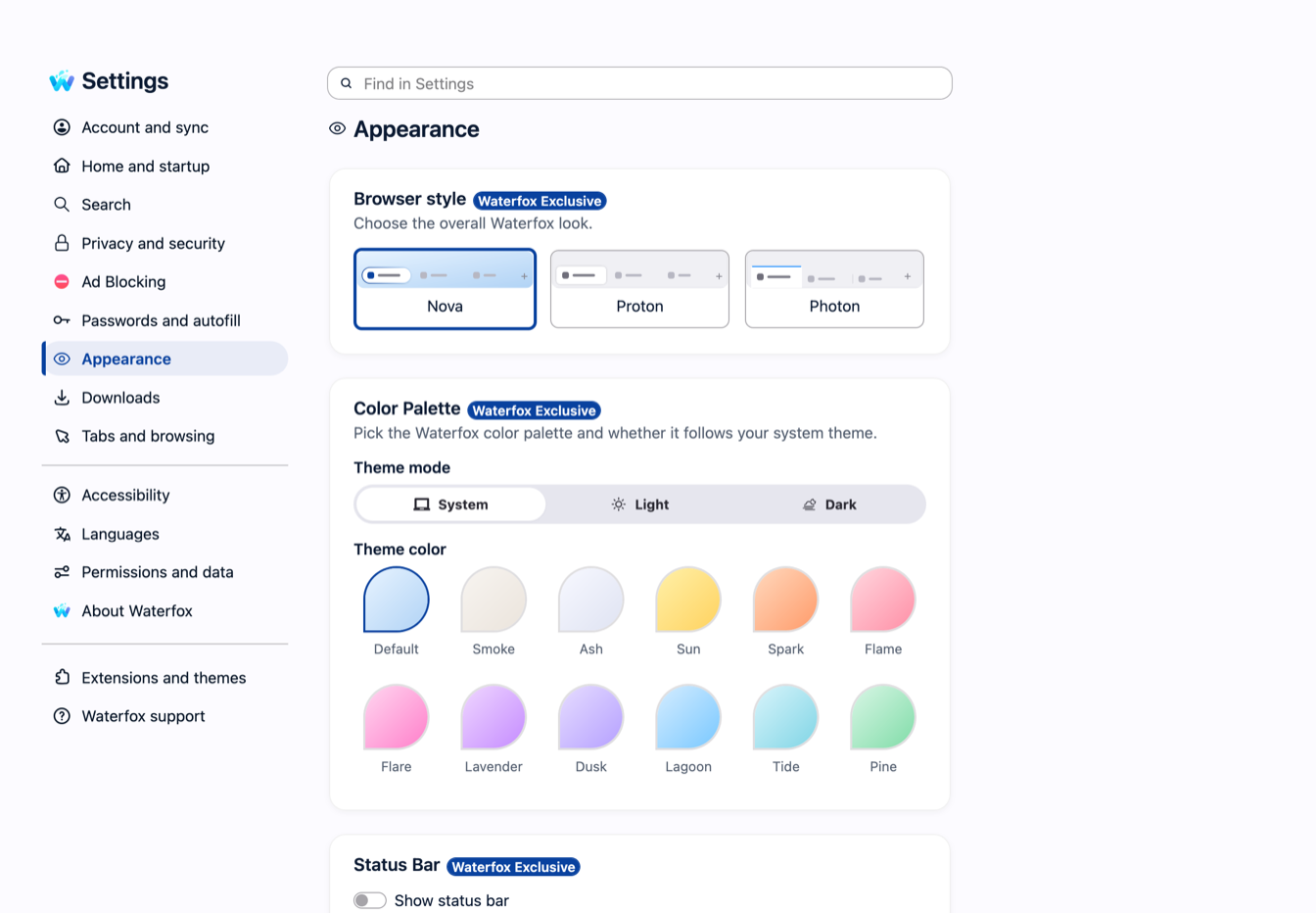
Show the Waterfox status bar
- Open the Waterfox menu and select Settings.
- Select Appearance.
- Find Status Bar.
- Turn on Show status bar.
The change applies immediately to every open Waterfox window in the current profile.
Choose where link destinations appear
Turn on Show link destinations in the status bar to place Waterfox status text in the bar. When you point at a link, its destination appears there instead of in the temporary status panel over the page.
Turning this option off hides link destinations rather than moving them back to the temporary panel. The option is unavailable while the status bar itself is off. Its value is retained, so turning the bar back on restores your previous choice.
By default, link destinations are enabled. When the status bar is off, Waterfox shows them in the normal temporary panel at the bottom of the page.
Customize the status bar
Open Customize Toolbar to move compatible controls into, out of or along the status bar. Existing profiles may therefore show a different set of buttons from the default Screenshot, Zoom and Full Screen layout.
The text area can also show other short browser status messages. It remains blank when Waterfox has no status to report.